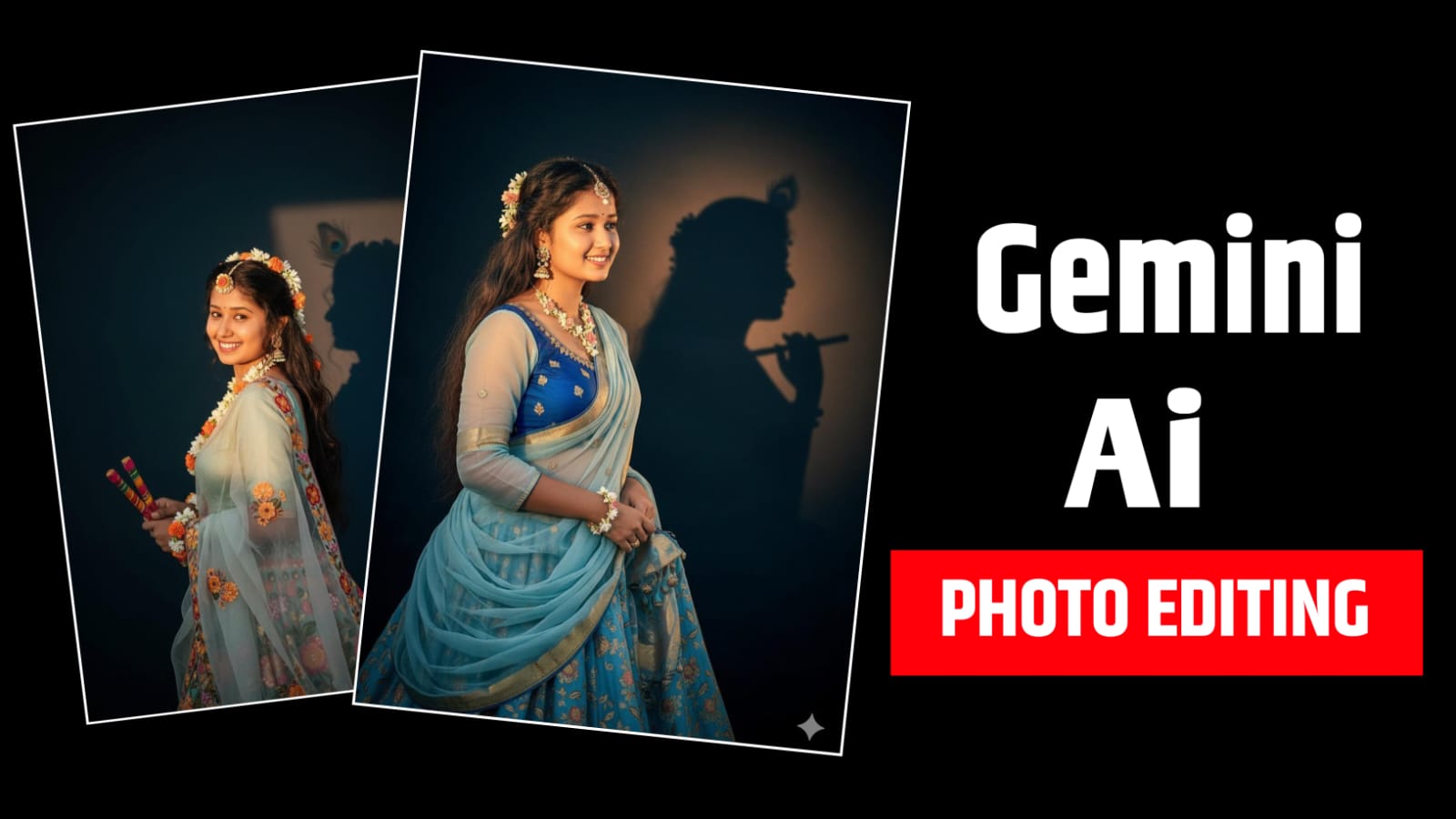
Friends, nowadays there is a lot of craze of Ai photo editing on social media. Right now the trend of Google Gemini Ai is going on, everyone is following this trend, it makes amazing photos with the help of prompt, now you can edit your photo in many ways by writing a prompt like you can change it to Retro Saree Look, Baby Childhood Edit, Cinematic Glow. In today’s article we will know how to use Google Gemini Ai Photo Trending Prompt, we will tell you everything in today’s article.

What is 3d Ai Photo Editing
This is a technique in which ordinary 2D photos are given a new look with the help of Artificial Intelligence (AI). After processing with these tools, depth, 3D volume, and realistic light & shadow effects are added to the photo.
The result is a picture that appears to be standing out from the frame. Facial details, clothing textures, and background elements all appear more lifelike and realistic than before. Deep learning models, neural networks, and 3D rendering techniques are often used to make the photo look as realistic as possible.
How To Use Google Gemini Ai Photo Trending Prompt
- First of all you have to go to Google and search by typing gemini.
- After that the first website has to be opened.
- Now you will see a plus icon at the bottom, click on it, click on upload file and add the photo from your gallery.
- After the photo is added, we have to write a prompt here which is given to you in this article, you have to copy it.
- After copying the prompt, click on the arrow on the side
- Now we have to wait for a few seconds and the photo will be ready
- To save the photo, click on the up arrow icon and save the photo.

Prompts :
Convert. 4k D realistic. A stunning portrait of a young Indian woman converting her into radha with long, dark. wavy hair cascading over her shoulders. She is wearing a translucent, elegant radha ji dress draped over one shoulder. revealing a fitted blouse with simple elegant heavy lehenga flowers are tucked as a jwellery. She is looking slightly to her right, with a soft, serene expression. I want same face as I uploaded no alternation 100 percent same. The background is a plain, blackish & bluish-toned wall, illuminated by a warm light source from the right. creating a distinct, soft-edged shadow of krishna ji profile and hair on the wall behind her. The overall mood is retro and artistic.
Conclusion
In today’s article, we learned about Google Gemini Ai Photo Trending Prompt, if you face any problem in photo editing then you can comment to us, I will try my best to reply to your comment.